The State has updated security requirements for Home Access Center (HAC) and eSchool (staff only) to better protect student data and privacy. Effective immediately, logging into these portals will require a new step. This update is in compliance with Arkansas Act 846.
Here is everything you need to know about this change and what to do if you encounter problems.
What is Home Access Center (HAC)?
Home Access Center is the online portal that allows parents and guardians to view their student’s academic information. It provides real-time access to:
Grades and Report Cards
Attendance Records
Schedules
Discipline Information
Home Access Center uses the same information that parents entered through online enrollment (PowerSchool Enrollment) starting in the 2025-2026 school year.
What is Changing?
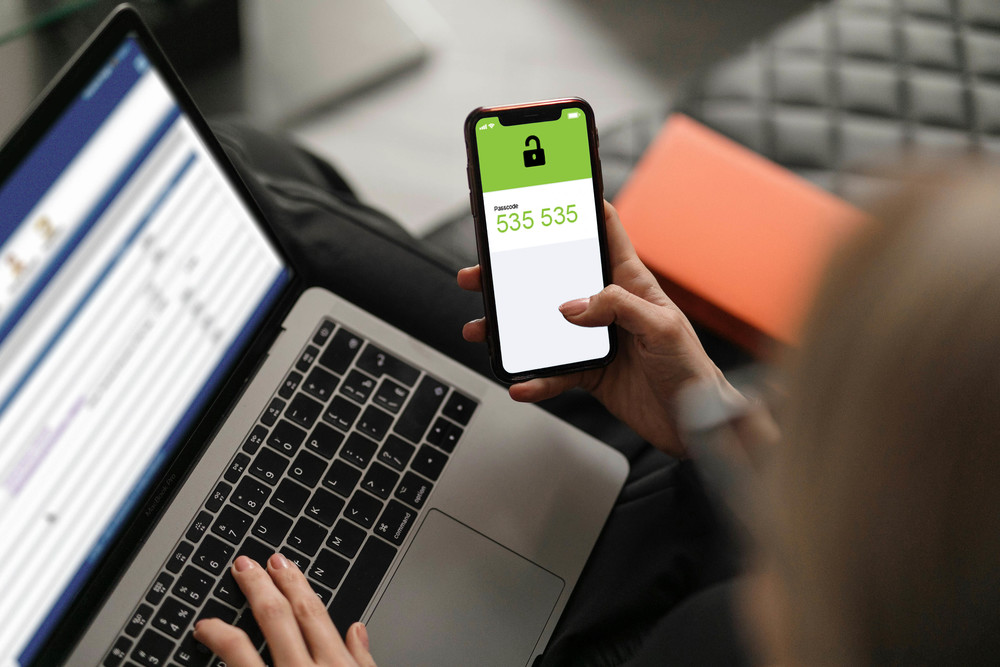
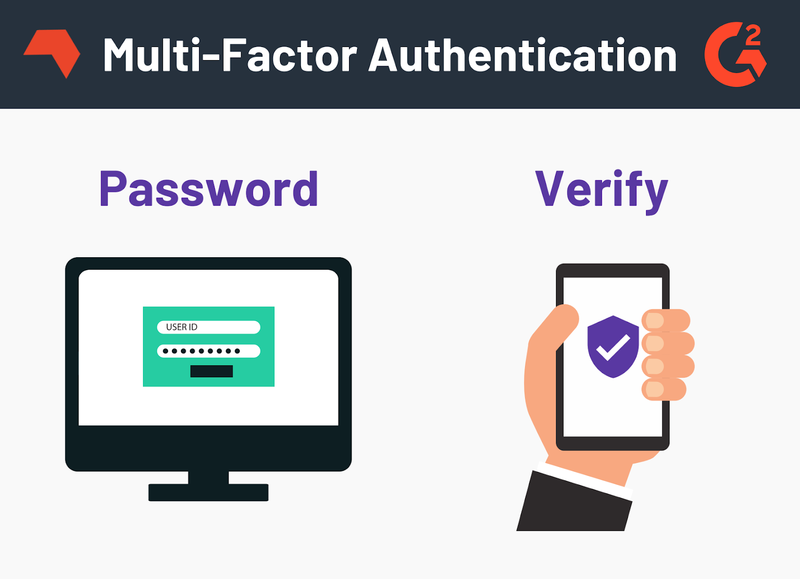
The State is adding a security step to confirm that only legal guardians on file can access student information or register new students. This process requires the primary guardian to have an active email address or a specific device linked to the student account. By default, the contact method on file at your student’s school will be used to verify your identity by sending a one-time code. This is known as Multi-Factor Authentication (MFA).
Log in: Enter your username and password as usual.
Receive Code: The system will automatically email a unique verification code to the address we have on file for you.
Verify: Enter that code into the HAC prompt to access your account.
Why does it work this way?
This additional step is the digital equivalent of a Safety Deposit Box at a bank. To open it, you need two keys: The key on your keychain (Your Password) and the master key held by the bank (The Code sent to you).
Like a safety deposit box, requiring the extra key blocks unauthorized access to your account. Even if a stranger has your password, they cannot access your child's data without also having access to your private email or device to get the second key.
Online criminal activity is increasing worldwide, and even local communities like ours can be targets for cybercriminals living halfway across the globe. This is why the State of Arkansas is now enforcing strict cybersecurity protocols for all digital systems.
What if I never received the code?
A few different issues may be affecting your access. Check these troubleshooting steps to identify common problems:
Check the Subject Line: Search your inbox for an email with the subject: "Powerschool eSchoolPlus Authentication Code".
Check Your Spam Filter: Automated security emails are frequently filtered into Spam or Junk folders.
The Yahoo Glitch: We have reports that Yahoo email addresses sometimes receive a code that includes strange letters and symbols (it looks like =0D=0A######). If this happens to you, ignore the letters and equal symbols. Only enter the last 6 digits of the code provided.
Check your information on file at school: If the email we have on file is outdated (e.g., an old work email or a closed account), you will not receive contact from the school or related services. Contact the building secretary where your child attends school. They can verify your identity and update your email address in the system to ensure you regain access immediately.